Why Your Internet Speed Test Fluctuates Throughout the Day

Why Your Internet Speed Test Fluctuates Throughout the Day
You’ve probably noticed it: in the morning, your internet speed test shows great numbers, but by evening—right when you’re ready to stream a movie or join a video call—the connection feels slower. It can be frustrating, especially if you’re paying for a high-speed plan. But there are good reasons why your internet speed test results change throughout the day. Here’s what’s behind those fluctuations and how you can get a more accurate picture of your connection.
Network Congestion – The Digital Rush Hour
Just like traffic on the highway, internet traffic has its own rush hours. When many people are online at the same time—typically in the evening between 7 p.m. and 10 p.m.—the network becomes more congested. This is especially true in residential neighborhoods, where multiple households share the same local infrastructure.
Even though you have your own internet plan, the capacity of the shared network in your area can be limited. During peak hours, you may experience slower speeds, higher latency, and less stable connections.
Wi-Fi vs. Wired – The Connection Inside Your Home
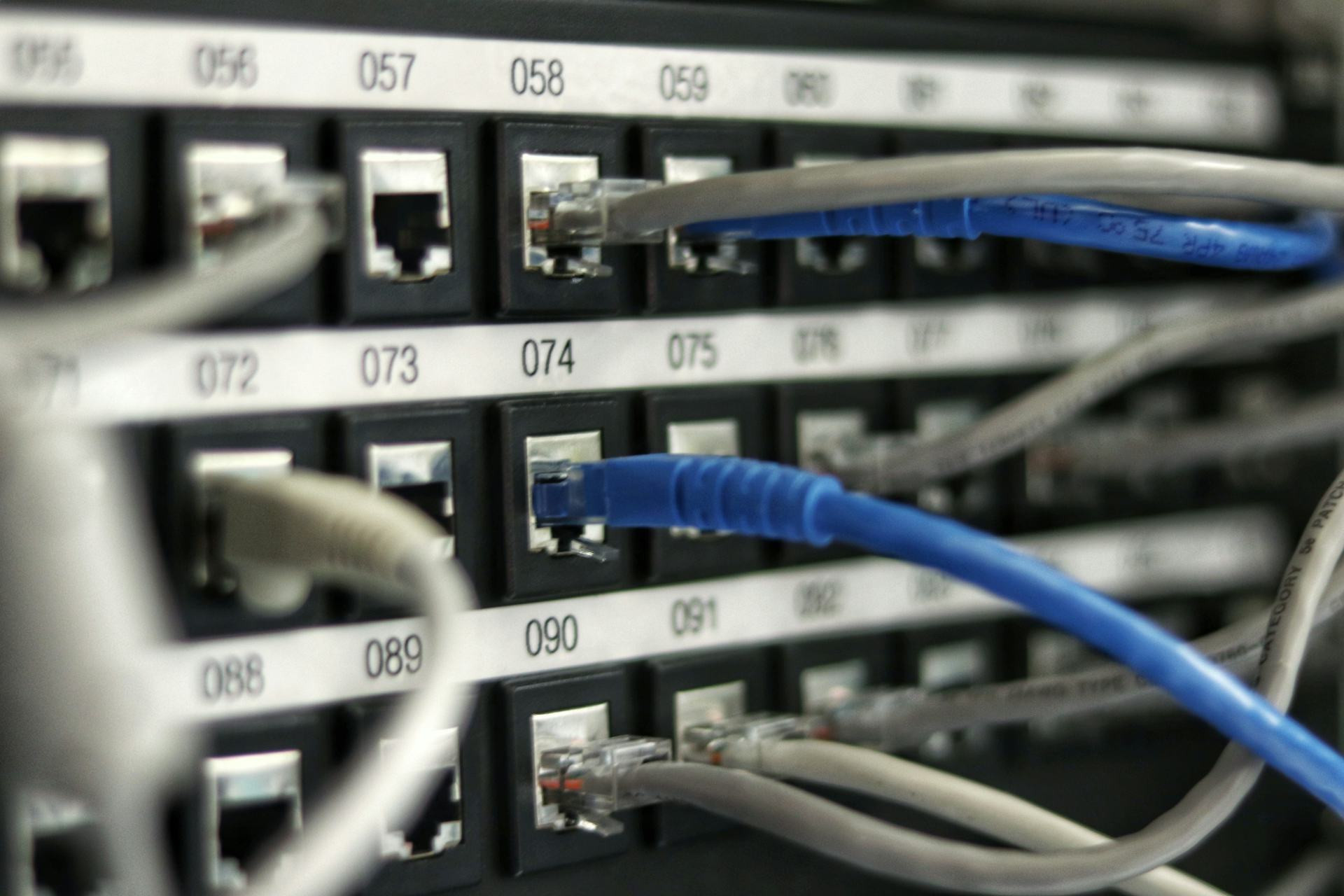
Another major factor is how you’re connected to the internet. A speed test run over Wi-Fi often shows lower results than one done with an Ethernet cable. Wireless signals can be affected by walls, distance, interference from other devices, and even household appliances like microwaves.
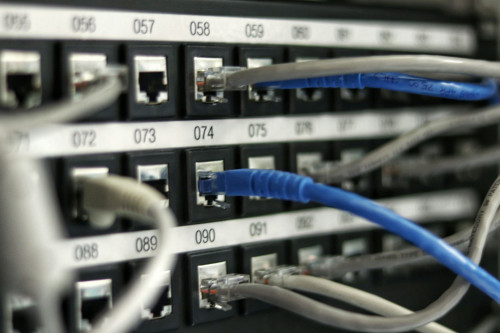
If you want to test your true internet speed, connect your computer directly to the router with a cable. This eliminates most interference and gives you a clearer idea of what your internet service provider (ISP) is actually delivering.
Læs også:

Server Location and Load
When you run a speed test, data travels between your device and a test server. If that server is far away or under heavy load from other users, your results can be affected. That’s why you might see different speeds depending on which testing service you use and where its servers are located.
Most speed test tools automatically select a nearby server, but you can often choose a different one to compare results. This can help you understand how your connection performs across different parts of the internet.
What’s Happening on Your Home Network?
Even within your own home, “traffic jams” can occur. If someone is streaming 4K video, gaming online, or uploading large files while you’re testing, it will impact your results. Your router divides bandwidth among all connected devices, and one heavy activity can use up a large share of it.
To get the most accurate reading, run your test when no one else is using the internet—and ideally on a device connected by cable.
Your ISP’s Network and Traffic Management
Internet providers manage their networks in different ways. Some prioritize certain types of data, such as streaming or voice calls, to maintain stability. That can mean that general data transfers—like a speed test—get lower priority during busy times.
In addition, your ISP’s network may be more or less congested depending on where you live. In densely populated areas, more users share the same infrastructure, which increases the likelihood of speed variations.
How to Get the Most Accurate Measurement
If you want to know what your connection can really deliver, try these tips:
- Test at different times of day—morning, afternoon, and evening—to see how speeds vary.
- Use a wired connection instead of Wi-Fi when testing.
- Close other apps and devices that might be using the internet during the test.
- Try multiple testing services to compare results.
- Record your results over several days to get a realistic average.
If you consistently see speeds much lower than what you’re paying for, contact your ISP. They can help determine whether there’s a technical issue or a bottleneck in your area.
A Living Network, Not a Fixed Number
The internet is a dynamic system, with millions of connections constantly exchanging data. That means your speed will never be exactly the same from hour to hour. Small fluctuations are normal, but large or persistent drops may signal a problem worth investigating.
Understanding why your speed test results change helps you tell the difference between normal variations and real issues—and ensures you’re getting the most out of your connection.
Læs også: